Logo

Reference Checker Verify Your Entire Bibliography

Paste a student's bibliography or import PDF and Word references. Reference Checker finds matching publication records, catches wrong DOIs, and shows the evidence for each result.

Paste text or import a document

PDF · DOCX · ODT · RTF · TXT · TEX · BIB · RIS · MEDLINE · CSL-JSON · ENDNOTE · BBL · MD · HTML

0/500 references
  • Up to 500 references per import
  • 100 guest checks per day
  • 500 daily checks when signed in
  • No purchase required

Start with just the bibliography. You do not need to submit the student's full paper to check their references.

Verify citations with 12 scholarly data sources

Reference Checker selects sources by identifier and subject, then expands the search when needed. Each result lists the providers actually checked; all 12 sources are not queried for every reference.

  • Crossref
  • DataCite
  • OpenAlex
  • Semantic Scholar
  • PubMed
  • Europe PMC
  • OpenCitations
  • Unpaywall
  • arXiv
  • OpenReview
  • DBLP
  • ACL Anthology

Complete example result

See how a real DOI can point to the wrong paper

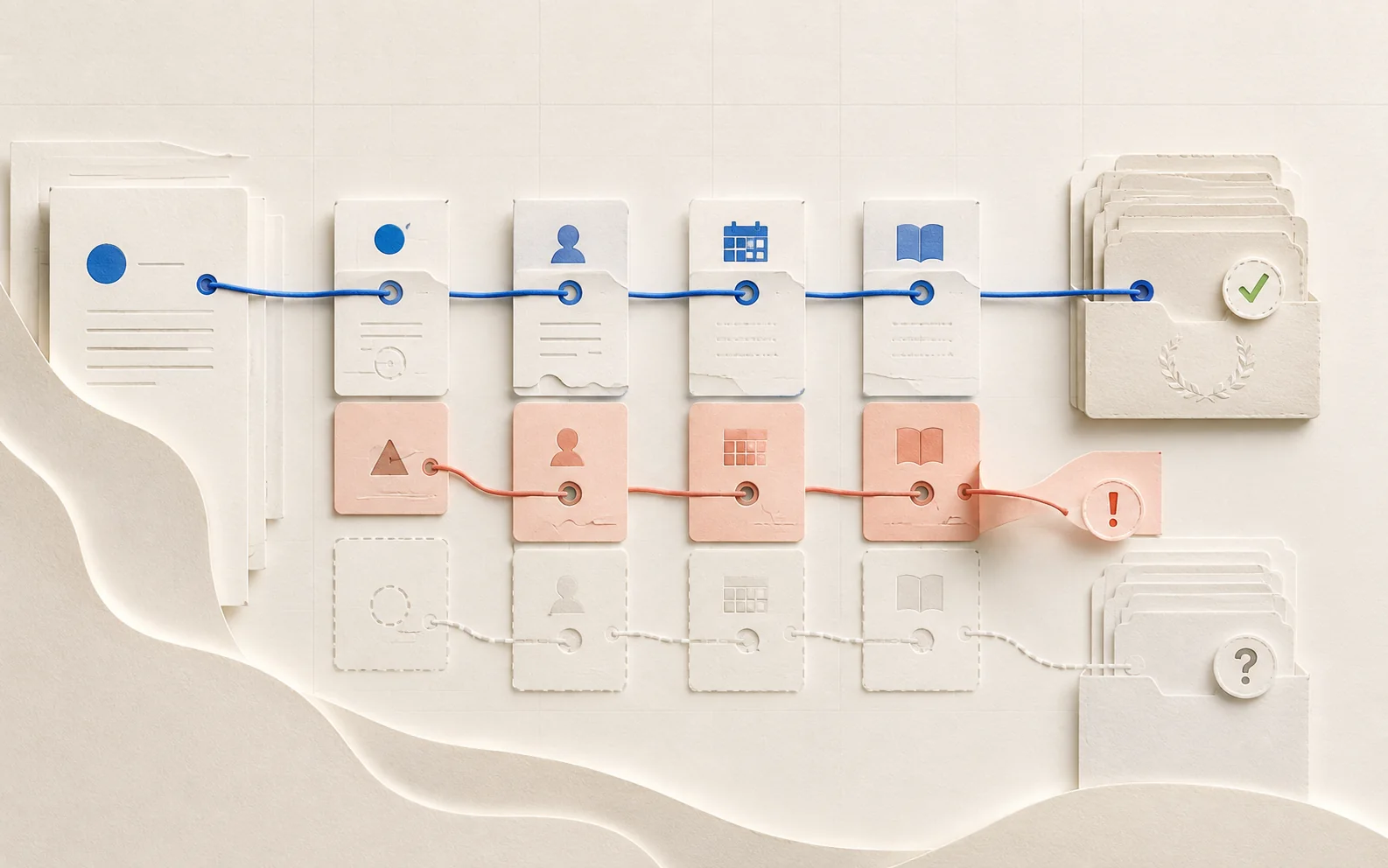
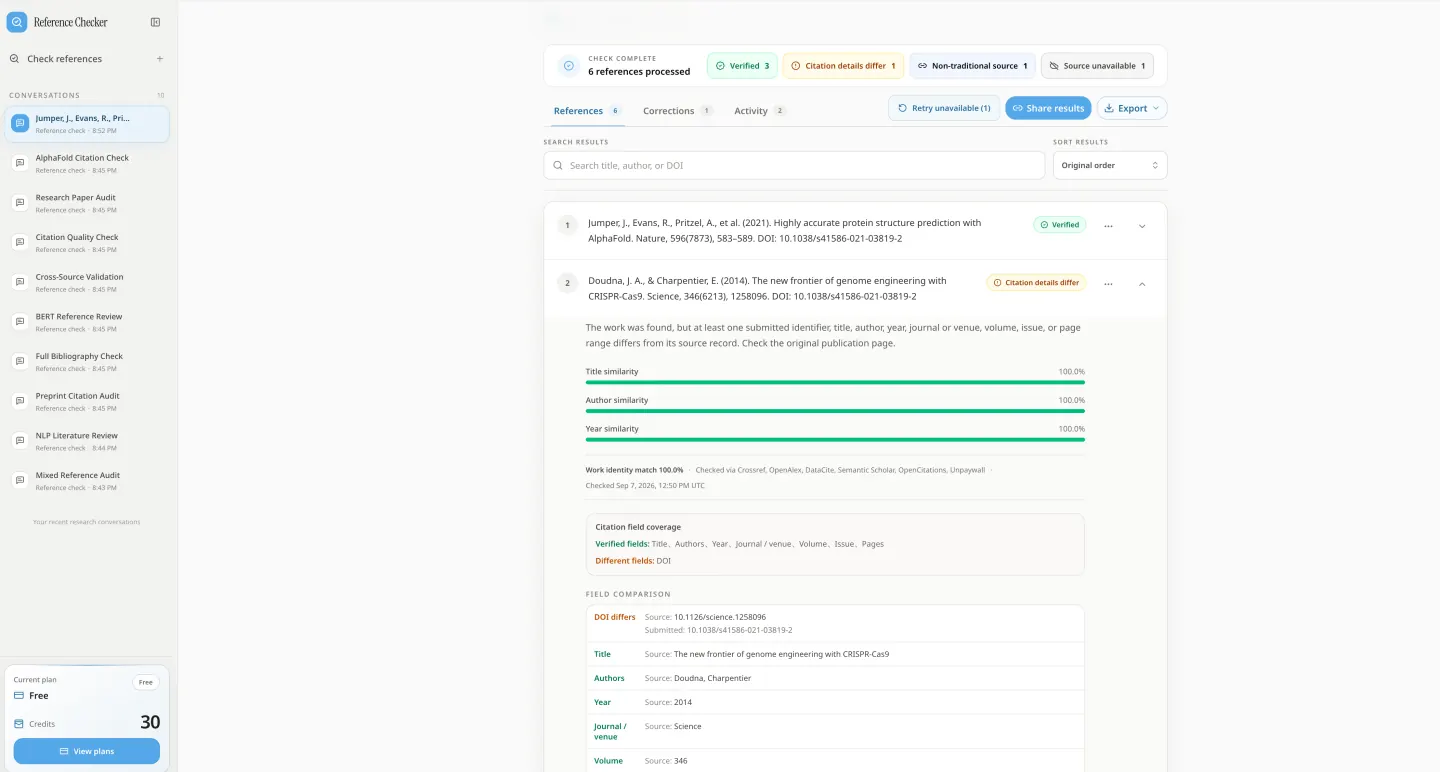
A valid DOI does not make a citation correct. Compare this submitted reference with the matched publication record to see the wrong DOI, matching fields, and a source-backed correction.

Submitted reference

Doudna, J. A., & Charpentier, E. (2014). The new frontier of genome engineering with CRISPR-Cas9. Science, 346(6213), 1258096. DOI: 10.1038/s41586-021-03819-2

Result: Citation details differWork match: 99.8%

The title, authors, year, journal, volume, issue, and article number match a real Science publication. The submitted DOI resolves to a different Nature paper, so the reference needs correction before use.

Field-by-field citation verification

FieldSubmitted citationMatched source record
DOI10.1038/s41586-021-03819-210.1126/science.1258096
TitleThe new frontier of genome engineering with CRISPR-Cas9The new frontier of genome engineering with CRISPR-Cas9
AuthorsJennifer A. Doudna; Emmanuelle CharpentierJennifer A. Doudna; Emmanuelle Charpentier
Year20142014
JournalScienceScience
Volume / issue346 (6213)346 (6213)
Article number12580961258096

Matched publication record

The new frontier of genome engineering with CRISPR-Cas9

Jennifer A. Doudna and Emmanuelle Charpentier · Science · 2014 · Volume 346, Issue 6213 · Article 1258096

Evidence checked: Crossref and OpenAlex publication records

Source-backed correction

Doudna, J. A., & Charpentier, E. (2014). The new frontier of genome engineering with CRISPR-Cas9. Science, 346(6213), 1258096. https://doi.org/10.1126/science.1258096

Open the publication record

A mismatch is a review signal, not an accusation. Always inspect the linked publication record before changing a bibliography or evaluating academic work.


For students, university teachers, and researchers

  • UNC Greensboro
  • UT Arlington
  • San Jose State
  • Yale
  • UMass Dartmouth
  • Western Kentucky
  • Brock University
  • Johns Hopkins
  • University of Windsor
  • University of Regina
  • Thompson Rivers
  • Stanford
  • Lakehead University
  • Mount Royal
  • Portsmouth
  • Hertfordshire
  • Cambridge

Find the publication behind a citation

arXiv
DataCite
Crossref
Europe PMC
OpenAlex
OpenReview
DBLP
ACL Anthology
OpenCitations
Unpaywall
PubMed
Semantic Scholar
Reference Checker

Follow the linked scholarly record and compare the evidence before accepting or correcting a reference.

Review student references with evidence you can inspect

Keep different results separate

A metadata mismatch, an ambiguous match, a missing record, and an unavailable database each call for a different follow-up.

Look beyond DOI validity

Compare the claimed title, authors, journal, and year with the paper the identifier actually describes.

Review before grading

An unverified citation is a reason to investigate. It does not prove fabrication, AI use, or student misconduct.

Citation verification

Catch fabricated-reference warning signs and citation errors

Check whether bibliography entries match real publication records, including citations suggested by ChatGPT. Source verification and citation formatting are separate: a neatly formatted reference can still describe the wrong paper.

Review references with no reliable match

Find entries that cannot be confidently verified, then check library or publisher records before calling them fabricated.

Catch a real DOI on the wrong paper

Compare the resolved publication with the complete citation, rather than accepting a DOI because it opens.

Fix mismatched publication details

Inspect differences in title, authors, journal, year, volume, issue, and pages before submitting a manuscript.

Separate uncertainty from service failures

Distinguish likely or ambiguous matches from missing records and temporarily unavailable data sources.

Remove duplicate bibliography entries

Find exact and probable duplicates by identifier, citation text, or similar titles. Review ordering and alphabetize references where the chosen style requires it.

Open evidence for student feedback

Follow the matched source links and compare the fields behind a result before discussing a correction with a student.

Review retraction warnings

Inspect the supporting source when a matched OpenAlex record explicitly marks a publication as retracted. Missing warnings do not guarantee a paper is unretracted.

Search references without a DOI

Use titles, author names, years, and other supported identifiers to look for a publication record. Limited index coverage may still require manual verification.

Bulk bibliography checking

Check a whole reference list, then return clear feedback

Import, verify, correct, and export a bibliography in one workspace. Keep the original citation alongside the source record so every suggested change can be reviewed.

  1. Imported reference records connected through the bibliography parsing workflow
    01Import

    Paste a bibliography or import PDF and Word files

    Import up to 500 references from 14 file formats or an arXiv paper. Sign in for file imports; parsing runs in your browser, with original-file storage requested separately.

    • 14 import formats
    • Direct arXiv import
    • Up to 500 references
    • Local browser parsing
  2. A citation record compared field by field with academic database evidence
    02Verify

    Compare each citation with its published source

    Inspect field differences, alternative matches, provider checks, and source links. Seven statuses keep verified records, mismatches, and uncertain results separate.

    • Field-by-field evidence
    • Retraction warnings
    • Alternative candidates
    • Seven review statuses
  3. Reference documents reviewed and corrected while the original evidence remains visible
    03Correct

    Correct references before submission or review

    Review source-backed corrections in seven citation styles. Apply, edit, recheck, ignore, or undo a change while keeping the original citation available.

    • Seven citation styles
    • Apply and recheck
    • Duplicate detection
    • One-click reordering
  4. Reference Checker results workspace with search, sharing, and export controls
    04Deliver

    Download a reference report for student feedback

    Export Markdown, CSV, JSON, BibTeX, or RIS. Revisit saved checks or create a public report link; share only information you intend to make public.

    • Five export formats
    • Public report sharing
    • Activity history
    • Checked reference library

How to check references

Verify a bibliography in three steps

Start with reference text or a supported document, inspect the matched records, then export the findings you need for revision or grading.

A reference being parsed and matched against academic publication records before review
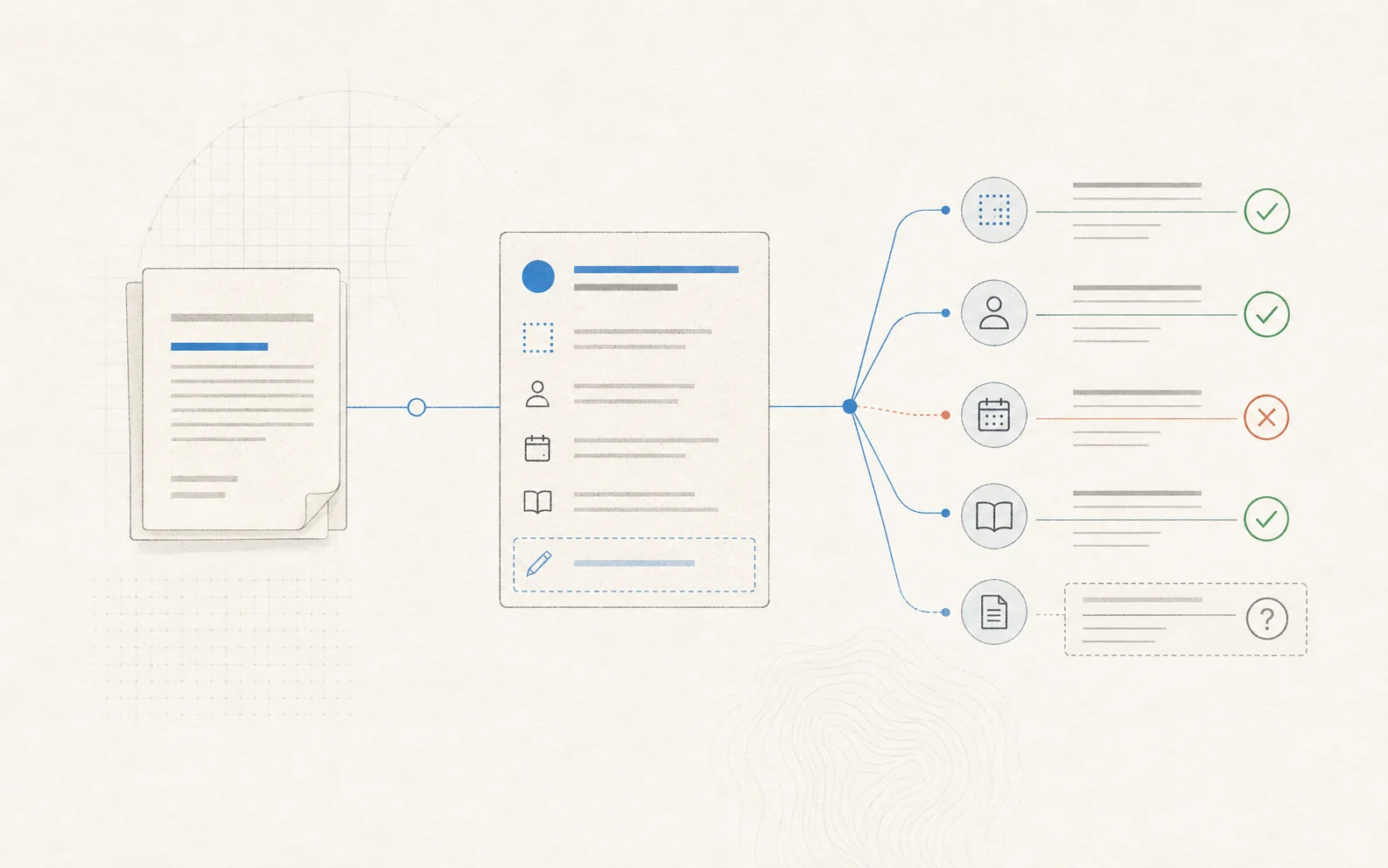
Identifiers are resolved first; titles, authors, dates, venues, and publication details are then compared with the strongest matching record.
  1. 01

    Paste or import your references

    Paste only the bibliography, import an arXiv paper, or sign in to extract references from PDF, DOCX, ODT, RTF, TXT, LaTeX, BibTeX, RIS, MEDLINE, CSL-JSON, EndNote, BBL, Markdown, or HTML. Review the extracted entries before checking.

  2. 02

    Check sources and citation details

    Run the bibliography check. Open each result to compare the title, authors, journal, year, DOI, and available publication details with the strongest matching record. Inspect source links and uncertain results before deciding what needs correction.

  3. 03

    Correct, download, and share results

    Review suggestions in APA 7, MLA 9, Chicago, Harvard, Vancouver, IEEE, or ABNT. Apply a correction and recheck it, or keep the original. Export a reference report and use the evidence when giving feedback.

Use cases

Review citations for grading, submission, and peer review

Use Reference Checker to verify a complete bibliography at the point where reliable sources matter to your work.

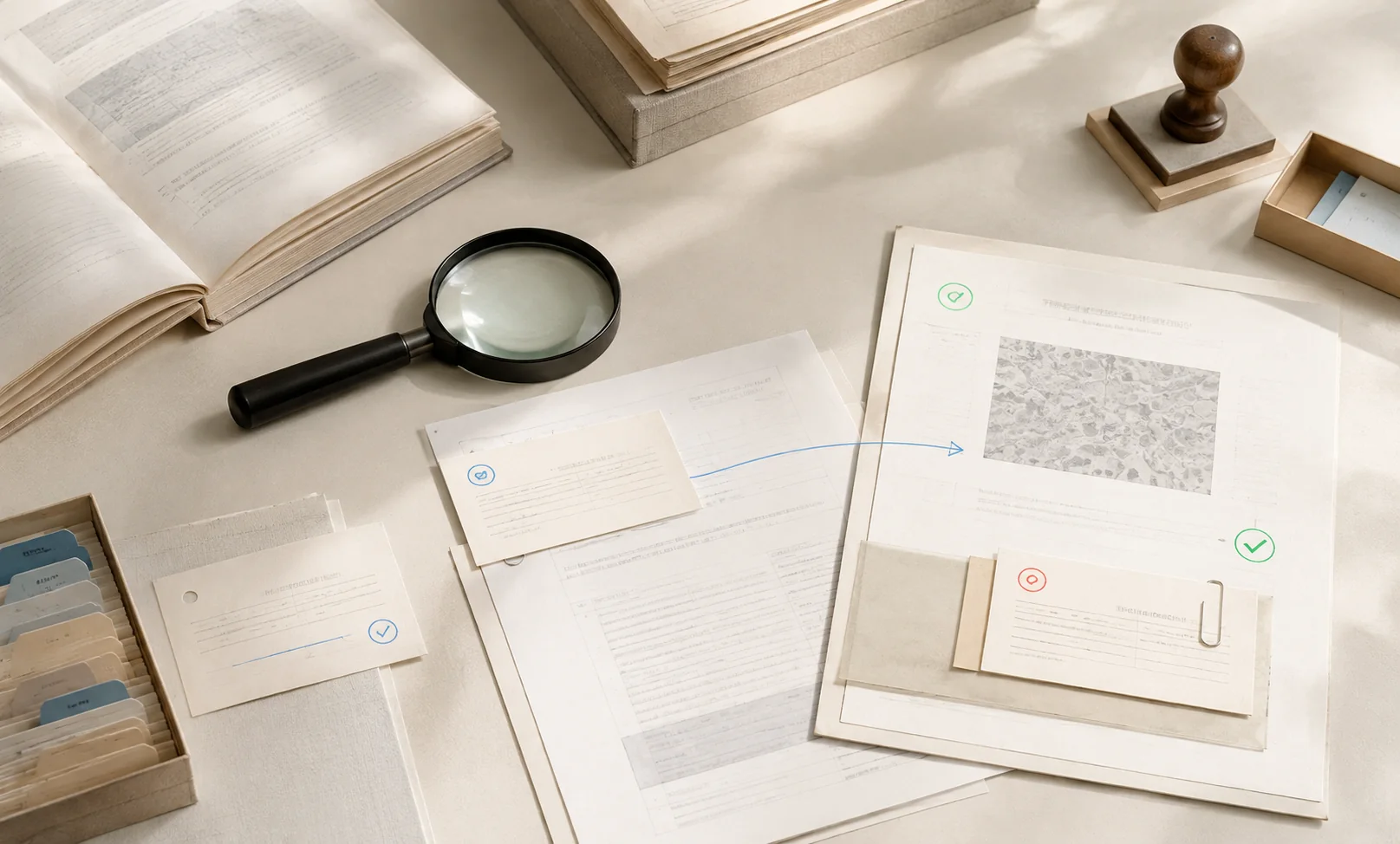
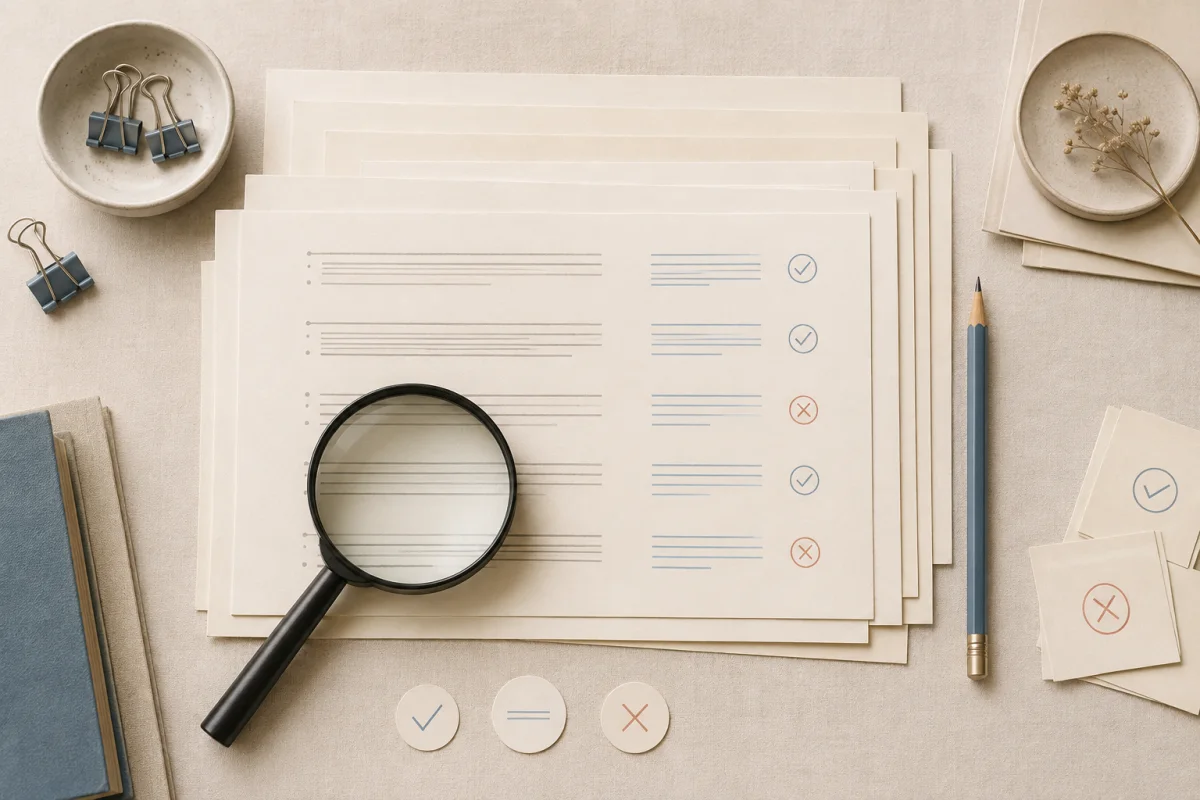
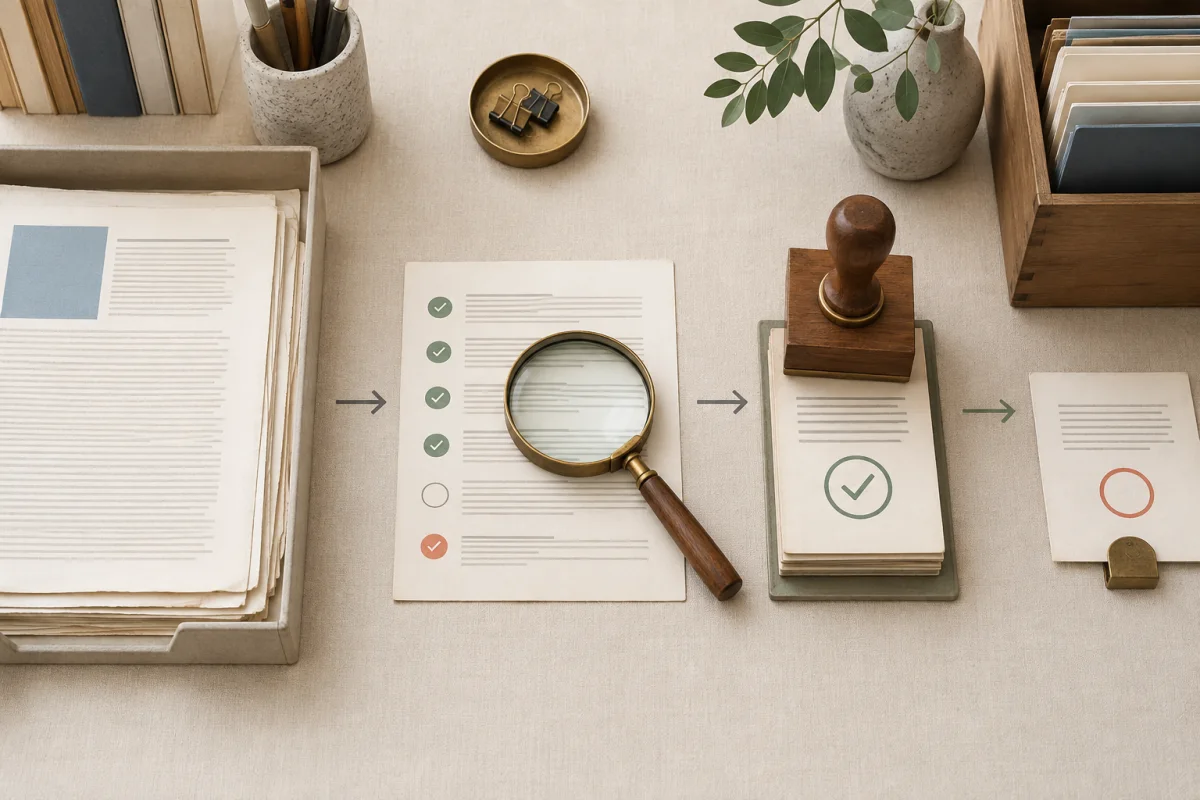
A grading desk with a stack of bibliography sheets, review marks, and a magnifying glass

Professors & graders

Verify student sources before assigning a grade

Check one student's bibliography, inspect questionable entries, and export evidence for feedback. Create a separate check for each student to keep results apart.

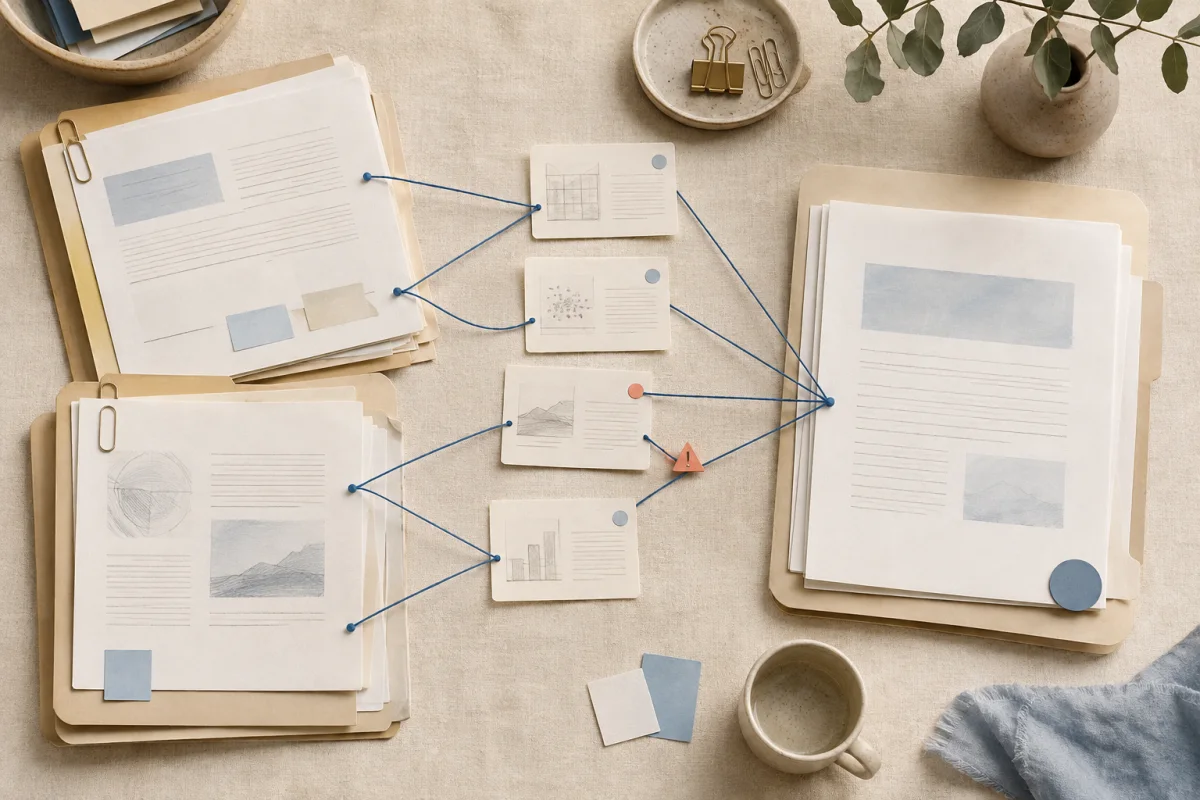
Research documents and source cards connected across a shared academic workspace

Students & research teams

Check AI-assisted references before submission

Find missing records, wrong DOIs, and inconsistent publication details in drafts or group work while there is still time to correct them.

A manuscript dossier connecting author and publication record cards to a verified archive

Authors & coauthors

Verify a manuscript's bibliography before peer review

Compare titles, authors, journals, years, and identifiers with linked publication records before sending a paper to a journal.

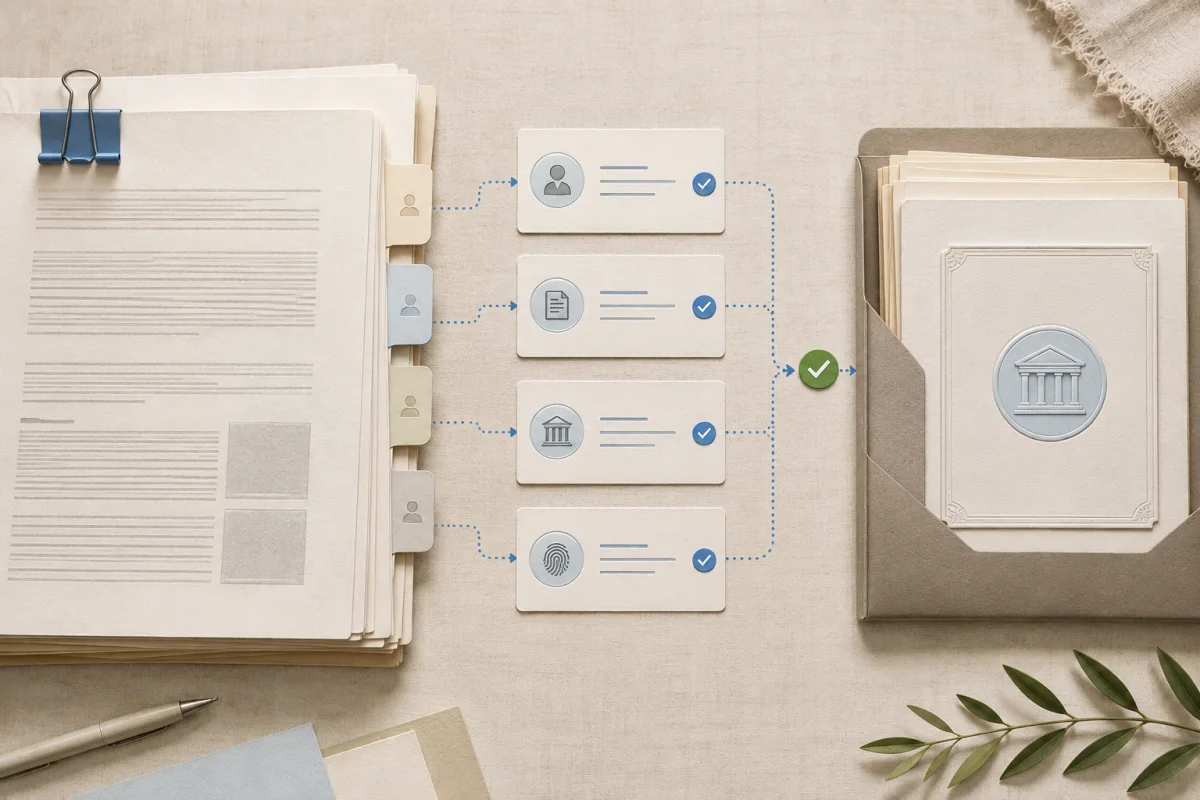
An editorial review desk screening bibliography evidence before filing verified records

Editors & reviewers

Give authors specific citation corrections

Review just the reference list and return field-level evidence, rather than asking authors to interpret an unexplained pass or fail.

Coverage and limits

Check source coverage before you grade

Bulk reference verification checks an entire bibliography. Whether an individual entry can be verified depends on its details, source type, and the records available in the databases searched.

Books, chapters, theses, and conference papers

Indexed records may be matched, but coverage varies. Webpages, datasets, software, and technical reports can require manual review. An unmatched source is not automatically fabricated.

Non-English references

Matches depend on indexed titles and author names, including transliteration. The six interface languages do not guarantee equal source coverage in every language; review local or regional publications manually when needed.

Multiple students' papers

Check one bibliography per run and keep a separate saved check for each student. Uploading multiple student papers in one batch with automatic per-student reports is not currently supported.

Document extraction and privacy

PDF imports need selectable text; scanned PDFs require OCR elsewhere first. Paste only the reference list to omit the full paper. Verification sends citation text to the server; original-file storage is a separate confirmation.

Explore the underlying scholarly records

No purchase or subscription required

Plan reference checks for a class of 50 students

50 students with 20 references each need 1,000 checks. At 500 daily checks per signed-in account, allow two daily allowances for an initial pass. Rechecks use additional credits. Create one check per student; no purchase or subscription is required.

Guest reference checks

100 checks per day

Check up to 100 pasted references daily. The guest allowance is shared per network, and results are not saved to an account.

Check references now

Signed-in reference checks

500 checks per day

Get 500 total daily credits, one per reference. File and arXiv imports, exports, sharing, history, and the checked library are available without a purchase.

Resets automatically at 00:00 UTC. No check-in or rollover. Signed-in allowance totals 500 credits daily; old gift balances are not added.

No purchase or subscription is required. Daily allowances do not accumulate or combine with any historical balance.

Questions before you check

Reference checker FAQ

Answers about bulk checks, student assignments, source coverage, DOI mismatches, and downloadable reference reports.

Reference Checker accepts a pasted bibliography and checks its entries against scholarly records. Imports support up to 500 references; your remaining daily allowance also applies. Guests can check 100 references daily, while signed-in accounts receive 500 daily credits. Paste only the reference list when the full paper is unnecessary.

Keep the evidence attached

Start your reference check with the bibliography

Use Reference Checker to find source records, review mismatches, and correct the references you plan to submit or grade.

Featured on There's An AI For That